
The Idea
Vegeto was born from a simple observation: while France has a rich tradition of foraging and herbal medicine, there was no modern, accessible mobile app bringing together detailed information on edible and medicinal plants in a single place. The goal was to build a tool that anyone could use — whether an experienced forager, a curious beginner, or someone looking for natural remedies — without requiring prior botanical knowledge.
The project was also an opportunity to build a full-stack application from scratch, covering every stage of development: database design, REST API, React frontend, mobile packaging, and deployment to a cloud infrastructure and the Google Play Store.
Stage 1: Defining the Data Model
The first step was to define the data structure. Each plant needed to carry enough information to be genuinely useful without becoming overwhelming. The final schema settled on the following fields, stored in a PostgreSQL database:
- Scientific name and common name
- Plant family
- Edible parts
- Consumption methods (infusion, decoction, external use, etc.)
- Main properties (digestive, anti-inflammatory, sedative, etc.)
- Health problems addressed
- Contraindications and drug interactions
- Specific warnings for pregnant women and children
A second table was added for the glossary, storing botanical and medical terms with their definitions and category (property, problem, or method), giving users a reference to understand the language used in plant profiles.
Before writing a single line of application code, the raw data was cleaned and normalized directly in PostgreSQL using REGEXP_REPLACE and UPDATE queries to remove duplicate values, unclosed parentheses, and inconsistent separators across 118 plant records.
Stage 2: Backend Development
The backend was built with Node.js and Express, organized around a set of REST API routes:
GET /api/plantes— multi-criteria search with support for keyword, consumption method, and health problem filtersGET /api/plantes/random— returns a random plant for the home screenGET /api/plantes/:id— returns a full plant profileGET /api/plantes/problemes-par-methode— returns available health problems filtered by consumption method, enabling contextual filter UIGET /api/lexique— glossary search with autocomplete supportPOST /api/identify— plant photo identification via the PlantNet API
One of the key backend improvements was replacing basic ILIKE string matching with PostgreSQL full-text search using to_tsvector with a French language dictionary. This enabled stemming (finding “digestive” when searching “digestif”) and better relevance ranking. The pg_trgm extension was added on top to provide trigram-based fuzzy matching, catching typos and partial matches that full-text search alone would miss.
A route ordering issue was an early lesson learned: Express matches routes in declaration order, so /random had to be declared before /:id to prevent the string “random” from being interpreted as a numeric plant ID and triggering a PostgreSQL type error.
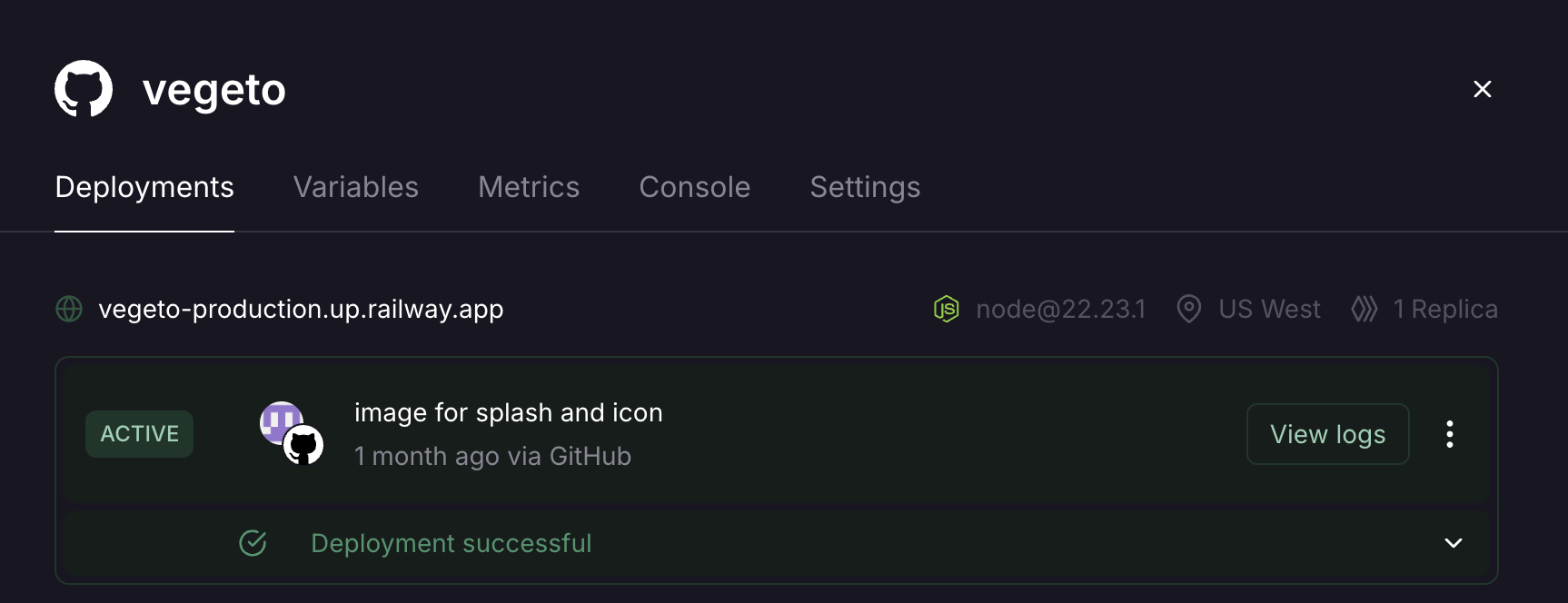
The backend is deployed on Railway, with PostgreSQL hosted as a managed service on the same platform. Environment variables (DATABASE_URL, PORT, PLANTNET_API_KEY) are injected at runtime, keeping credentials out of the codebase.
Stage 3: Frontend Development
The frontend was built with React (Create React App) and styled with Tailwind CSS. The component architecture separates concerns cleanly:
Home.jsx— search bar, random plant of the moment, advanced filter panelPlanteFiche.jsx— full plant profile with image, badges, and detailed sectionsLexique.jsx— glossary with category buttons and autocomplete searchHerboristeries.jsx— map of nearby herbalist shops with geolocationIdentifyPlante.jsx— plant photo identification interfaceHeader.jsx— sticky navigation with responsive hamburger menu for mobileDisclaimerModal.jsx— medical disclaimer shown on first launch, persisted via localStorageFooter.jsx— permanent medical disclaimer banner
Key frontend decisions included centralizing the API URL in a single config.js file to avoid hardcoded localhost references across components, and using NavLink from React Router for active state styling in the navigation header.
The advanced filter panel was built as a collapsible section, hidden by default to keep the interface clean. Filters reset automatically when the panel is closed. The health problem tags are loaded dynamically from the backend based on the selected consumption method, so only relevant options are shown — a small UX detail that makes the interface feel considerably more polished.
Accessibility was a deliberate focus throughout: all form controls have explicit <label> elements with htmlFor associations, sr-only classes for visually hidden labels, autocomplete attributes on inputs, aria-label on interactive elements like the Leaflet map container, and WCAG-compliant color contrast ratios (green-700 on white backgrounds).
Stage 4: Plant Identification with PlantNet
The plant identification feature was added as a v2 enhancement. When a user photographs or imports an image, the frontend sends it to a dedicated backend route that forwards it to the PlantNet API — an open scientific platform developed by French research institutions including INRIA, CIRAD, and INRAE.
PlantNet returns a ranked list of species with confidence scores. The backend enriches each result by querying the local PostgreSQL database for a matching plant profile, enabling a direct link to the Vegeto plant page when a match is found. The UI displays confidence levels (Very likely, Probable, Uncertain) and includes a specific disclaimer reminding users never to consume a plant based solely on automatic identification.
Stage 5: Offline Mode for Android
One of the most technically involved features was offline support for the Android app. The approach used Capacitor SQLite to maintain a local copy of the plant database and glossary on the device. At each app launch, if a network connection is available, the app silently syncs all 118 plants and 196 glossary terms from the Railway backend using a batch executeSet transaction for performance.
When the device is offline, search and glossary queries fall back to the local SQLite database transparently. An amber banner informs the user they are in offline mode. Features that inherently require network access — PlantNet identification and the herbalist shop map — remain unavailable offline, which is communicated clearly in the interface.
Getting network requests to work from Capacitor’s WebView on physical Android devices required configuring network_security_config.xml to trust the Railway domain, adding android:usesCleartextTraffic="true" to the Android manifest, and adding capacitor://localhost and https://localhost to the backend CORS allowed origins.
Stage 6: Mobile Packaging and Play Store Submission
The React app was packaged as a native Android application using Capacitor. Two separate build scripts handle the web and Android targets:
npm run build:web— setsPUBLIC_URL=/app/vegetofor deployment on parallel-perspectives.comnpm run build:android— setsREACT_APP_API_URLto the Railway production URL andPUBLIC_URL=.for Capacitor
The Android app bundle (.aab) is signed with a keystore generated in Android Studio and submitted through Google Play Console. As a new developer account, Google requires a closed testing phase with at least 12 testers who must opt-in and keep the app installed for 14 consecutive days before production access is granted.
Tools and Technologies
| Layer | Technology |
|---|---|
| Frontend | React, Tailwind CSS, React Router, Lucide React |
| Backend | Node.js, Express |
| Database | PostgreSQL, SQLite (offline) |
| Search | PostgreSQL full-text search, pg_trgm |
| Mobile | Capacitor, Android Studio |
| Plant ID | PlantNet API |
| Maps | Leaflet, React Leaflet, OpenStreetMap, Overpass API |
| Hosting | Railway (backend + PostgreSQL) |
| Web deployment | Apache, parallel-perspectives.com |
| Distribution | Google Play Store |
What’s Next
Several features are planned for future versions, including a seasonal foraging calendar showing which plants are available by month, a favorites system for saving plants, a plant quiz for learning, and potentially a French-to-English localization to reach a wider audience. The plant identification feature could also be enhanced with an on-device machine learning model to work fully offline — a more complex but rewarding challenge for a future iteration.
Vegeto is available on the web at parallel-perspectives.com/app/vegeto and on Android via the Google Play Store.
Availalbe on Playstore: https://play.google.com/store/apps/details?id=com.vegeto.app